 Kerf Width Laser Cutting: A Complete Guide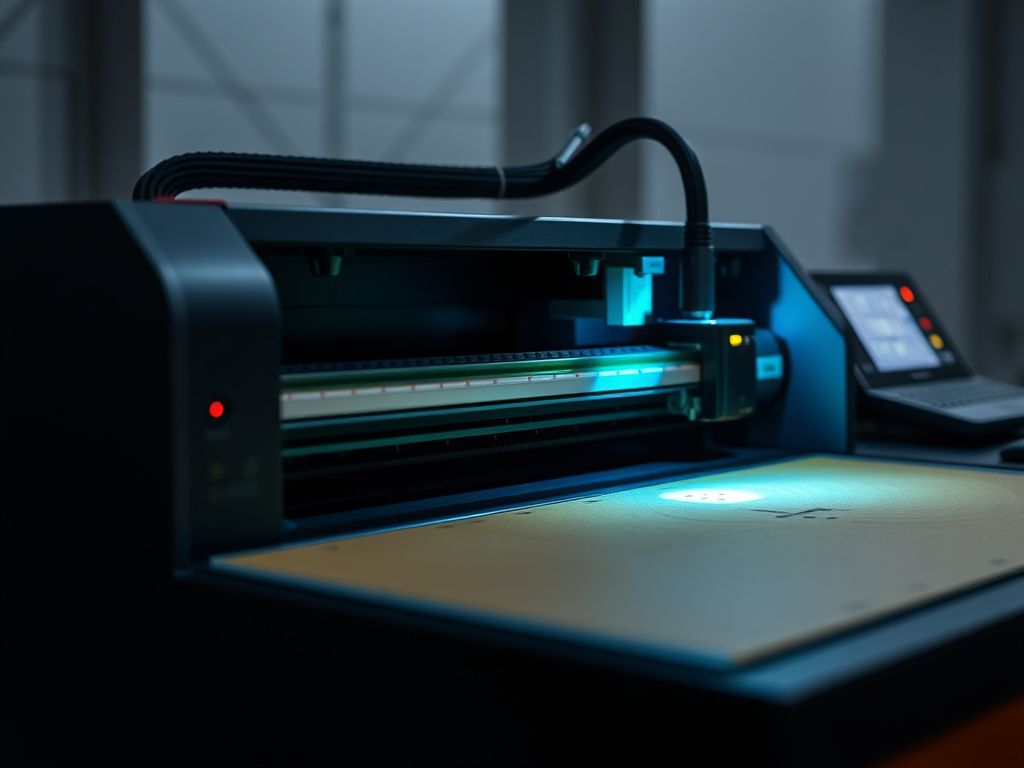
Understanding Kerf Width in Laser Cutting
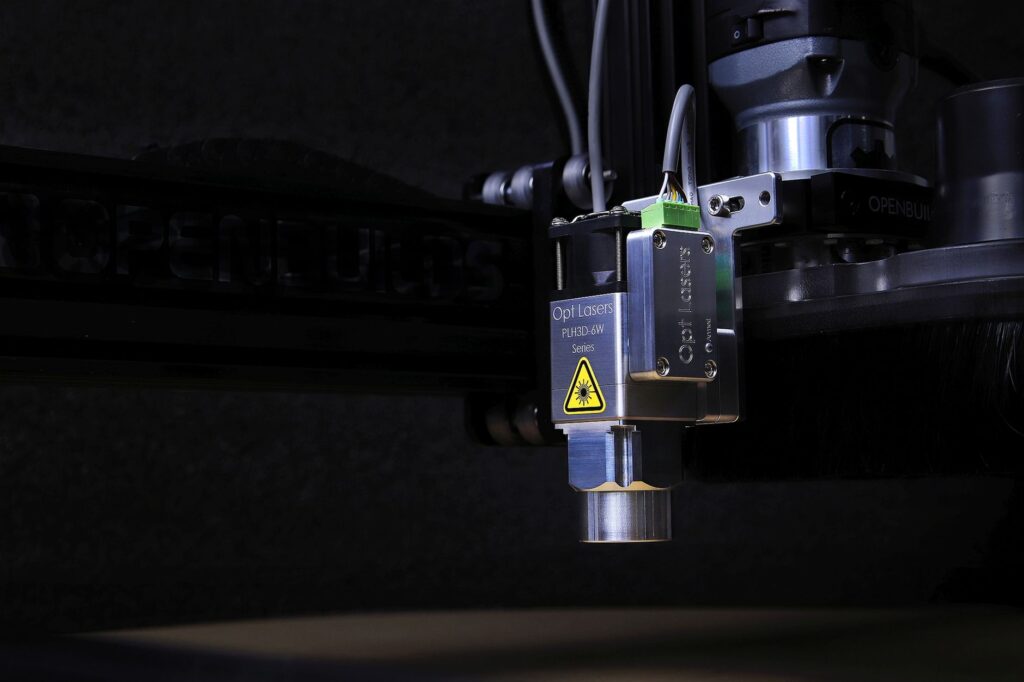
kerf width laser cutting is a critical concept that every designer and fabricator must grasp to achieve precise results. In simple terms, kerf is the amount of material removed by the laser beam as it cuts through a sheet. This narrow gap can range from 0.1 mm to over 0.5 mm depending on the material, laser power, and focus settings. If you ignore kerf, your parts may not fit together properly, and tolerances can be off by a significant margin. Fortunately, with the right knowledge and software adjustments, you can compensate for kerf and produce perfect interlocking pieces every time.
Whether you are cutting acrylic for signage, metal for industrial parts, or wood for furniture, understanding kerf width laser cutting helps you avoid costly mistakes. In this guide, we will explore what causes kerf, how to measure it, and proven techniques to account for it in your vector files. We’ll also share practical tips from experienced operators that will elevate the quality of your laser-cut projects.
What Is Kerf in Laser Cutting?
Kerf refers to the width of the cut made by the laser beam. When the laser focuses on a material, it vaporizes or melts a narrow path. This path is always slightly wider than the beam itself due to heat dispersion and the material’s reaction. For example, a 0.2 mm laser spot may produce a kerf of 0.3 mm or more in thicker materials. The kerf width laser cutting value depends on several factors, including laser power, cutting speed, assist gas pressure, and the material’s thermal properties.
In precision engineering, even a 0.1 mm difference can cause parts to fail assembly. That is why professional laser cutting services like Top-Quality Laser Cutting Service for Precise Results invest time in calibrating their machines to minimize kerf variability. Understanding kerf is the first step toward mastering laser cutting accuracy.
Why Kerf Matters for Fit and Assembly
If you design interlocking parts without kerf compensation, they will be too loose or too tight. For example, if you cut a tab and slot with the same dimensions, the tab will be narrower than the slot by the kerf width, creating a gap. Conversely, if you cut two parts that need to slide together, the kerf can make them bind. By adjusting your design files to account for kerf, you ensure perfect fits every time.
Factors That Affect Kerf Width
Kerf width laser cutting is not a fixed number; it changes based on multiple variables. The most influential factors include:
- Material type and thickness: Thicker materials generally produce a wider kerf because the laser must cut through more material. Metals like stainless steel often have a smaller kerf than wood or acrylic due to different thermal conductivity.
- Laser power and focus: Higher power can increase kerf, while a sharper focus reduces it. Proper focus is essential for maintaining a consistent kerf across the entire cut.
- Cutting speed: Slower speeds allow more heat to build up, potentially widening the kerf. Faster speeds can reduce kerf but may cause incomplete cuts.
- Assist gas type and pressure: Oxygen, nitrogen, or compressed air affect how the material melts and is expelled. For instance, oxygen can increase kerf due to exothermic reactions.
For a deeper dive into how gas assistance improves cut quality, check out Gas Assistance Laser Cutting: Improve Cut Quality.
Measuring Kerf Accurately
To measure kerf, cut a simple test shape like a rectangle or circle, then measure the actual dimensions of the cut-out part and compare them to the design dimensions. The difference is the kerf width. Repeat this test for each material and thickness you use, as kerf can vary even between batches of the same material. Document these values so you can apply them consistently in your designs.
How to Compensate for Kerf in Your Designs
Compensating for kerf width laser cutting involves adjusting the vector paths in your design software. Most professional laser cutting software includes a kerf compensation feature that offsets the cut path inward or outward. For example, if you want a hole to be exactly 10 mm, you would offset the cut path inward by half the kerf width so that the final hole measures 10 mm after cutting.
When designing interlocking parts, apply compensation to both the male and female features. A common approach is to subtract half the kerf from the male part and add half the kerf to the female part. This ensures a snug fit without forcing. If you are new to laser cutting, start with a test fit on scrap material before committing to the final piece.
For more tips on optimizing material usage, read Laser Cutting Material Usage: Optimize Efficiency.
Using Vector Files for Kerf Compensation
Your vector files must be prepared correctly to account for kerf. Always use closed paths and ensure that your design software is set to the correct units. Many designers prefer to create separate layers for cut lines and engraving, with kerf compensation applied only to cut lines. For a comprehensive guide on preparing vector files, see Vector Files Laser Cutting: Expert Guide for Perfect.
Common Mistakes to Avoid
Even experienced operators can make errors related to kerf. Here are some pitfalls to watch out for:
- Assuming kerf is the same for all materials: Always measure kerf for each material type and thickness.
- Forgetting to compensate for both sides: Remember that kerf removes material from both sides of the cut path. Offset by half the kerf on each side.
- Using the wrong software settings: Some software applies compensation globally; double-check that it is applied correctly to the intended parts.
- Ignoring thermal effects on thin materials: Thin materials can warp due to heat, affecting kerf consistency. Use proper cooling or lower power settings.
To avoid other common design errors, refer to Laser Design Mistakes: Avoid These Common Errors.
Advanced Kerf Compensation Techniques
For high-precision projects, consider using dynamic kerf compensation, where the laser power and speed are adjusted in real time based on the kerf measurement feedback. Some advanced machines have sensors that monitor the cut width and automatically adjust parameters. While this is not available on all systems, understanding the concept can help you choose the right equipment for your needs.
Another technique is to use multiple passes for thick materials. The first pass creates a narrow kerf, and subsequent passes widen it. By controlling the number of passes, you can achieve a more consistent kerf. However, this increases cutting time, so balance precision with productivity.
Final Thoughts on Kerf Width
Mastering kerf width laser cutting is essential for anyone who wants to produce accurate, professional-quality parts. By measuring kerf for each material, applying proper compensation in your designs, and avoiding common mistakes, you can achieve tight tolerances and seamless assemblies. Whether you are creating custom signage, prototypes, or industrial components, attention to kerf will set your work apart.
Ready to take your laser cutting projects to the next level? Contact our team for expert advice or a free quote on your next precision cut job. We are here to help you achieve perfect results every time.